
Homeschool Mastery Academy is dedicated to recommending quality resources to benefit homeschooling families. This blog contains and is monetized through sponsored posts and affiliate links. Please see our full disclosure policy for detailed information.
Video games are a controversial subject for a lot of homeschool families. Some parents love them. Others see them as a waste of time. However, game-based learning can be a very effective way to teach, and when it comes to academics, Minecraft keeps growing in popularity.
What kid doesn’t love Minecraft? Honestly, you’d be hard-pressed to find one.
In our own homeschool, our boys play Minecraft now and then, and they’ve picked up a surprising amount about elements, materials, and building along the way. That’s what makes this game worth a second look. When kids use their imagination and get creative, Minecraft becomes a learning tool any teacher can appreciate. Pair that with the natural love most kids already have for the game, and it makes sense to work it into your homeschool.
What Is Minecraft Education Edition?
If you’re looking into Minecraft education for homeschool, this is the version to know about. Minecraft Education (still often called Minecraft: Education Edition) is the classroom version of the game. It’s built on the same Bedrock version many kids already play, so the blocks, crafting, and building all feel familiar. The difference is what’s been added on top.
Here’s what sets it apart from the regular game:
- A built-in lesson library. Kids can open ready-made lessons and worlds on topics like coding, science, history, and digital safety.
- Code Builder. Kids can write code that controls things in the game, starting with drag-and-drop blocks and moving up to JavaScript or Python.
- Chemistry tools. Kids can build elements from protons, neutrons, and electrons, then combine them into compounds.
- Reading support. Immersive Reader can read in-game text aloud and translate it.
- A closed environment. Kids play with the people in your group instead of joining public servers.
- Teacher tools. Parents can manage settings, guide lessons, and check work.
It runs on Windows, Mac, Chromebook, and iPad. One thing to know up front: a regular Minecraft purchase does not include Minecraft Education. They are separate products with separate logins.
What does it cost? Schools buy academic licenses, but homeschool families use what Microsoft calls a commercial license. That license is currently $36 per user per year. Check the purchase page for current pricing before you buy, since it has changed before. You’ll need one license for each person who will log in, so a family with two kids playing would need two.
Can you try it first? Yes. The Minecraft Education app includes demo lessons that anyone can play without an account. They don’t save progress or allow multiplayer, and some lessons are locked, but they’re a good way to see if your kids enjoy it before you pay for anything. The yearly Hour of Code lessons inside the app are also open to everyone without a license.
How to Get Minecraft Education Edition as a Homeschooler
This is where most homeschool families get stuck. Schools sign up with a verified education account, and Microsoft doesn’t approve homeschool-only families for those accounts. Instead, you’ll set up your own small “organization” and buy licenses through it. It sounds technical, but it’s a one-time setup.
Here’s how it works:
- Start at the purchase page. Go to Microsoft’s Minecraft Education purchase page for homeschool and family use. It walks you through every screen.
- Create a Microsoft 365 Admin Center account. Setting up this account doesn’t cost anything, and you don’t need a Microsoft 365 subscription. When it asks for a company name, enter your homeschool’s name.
- Create your domain. You’ll choose a name that ends in .onmicrosoft.com. Write the full domain down, because you’ll need it to sign in later.
- Buy your licenses. Choose how many licenses you need and add your payment information.
- Add a user for each child. In the Admin Center, go to Users, then Active Users, then Add a user. Create a username and password for each child, and check Minecraft Education under Apps so the license is assigned right away.
- Download the app and sign in. Install Minecraft Education on your device and have your child log in with the username you created for them.
A few tips that will save you some frustration:
- Your kids sign in with the new usernames you created, not a personal Gmail or Outlook account. Personal accounts will get an error.
- If your child can’t log in, check that a license was assigned to their user. Kids can’t log in until that step is done.
- A Microsoft 365 Family or Personal subscription does not include Minecraft Education.
Here are some ways to use Minecraft in your homeschool curriculum:
Math
Minecraft is built on blocks, which makes it a natural fit for measurement, perimeter, area, and volume. Each block is a cube, so kids can count and calculate as they build.
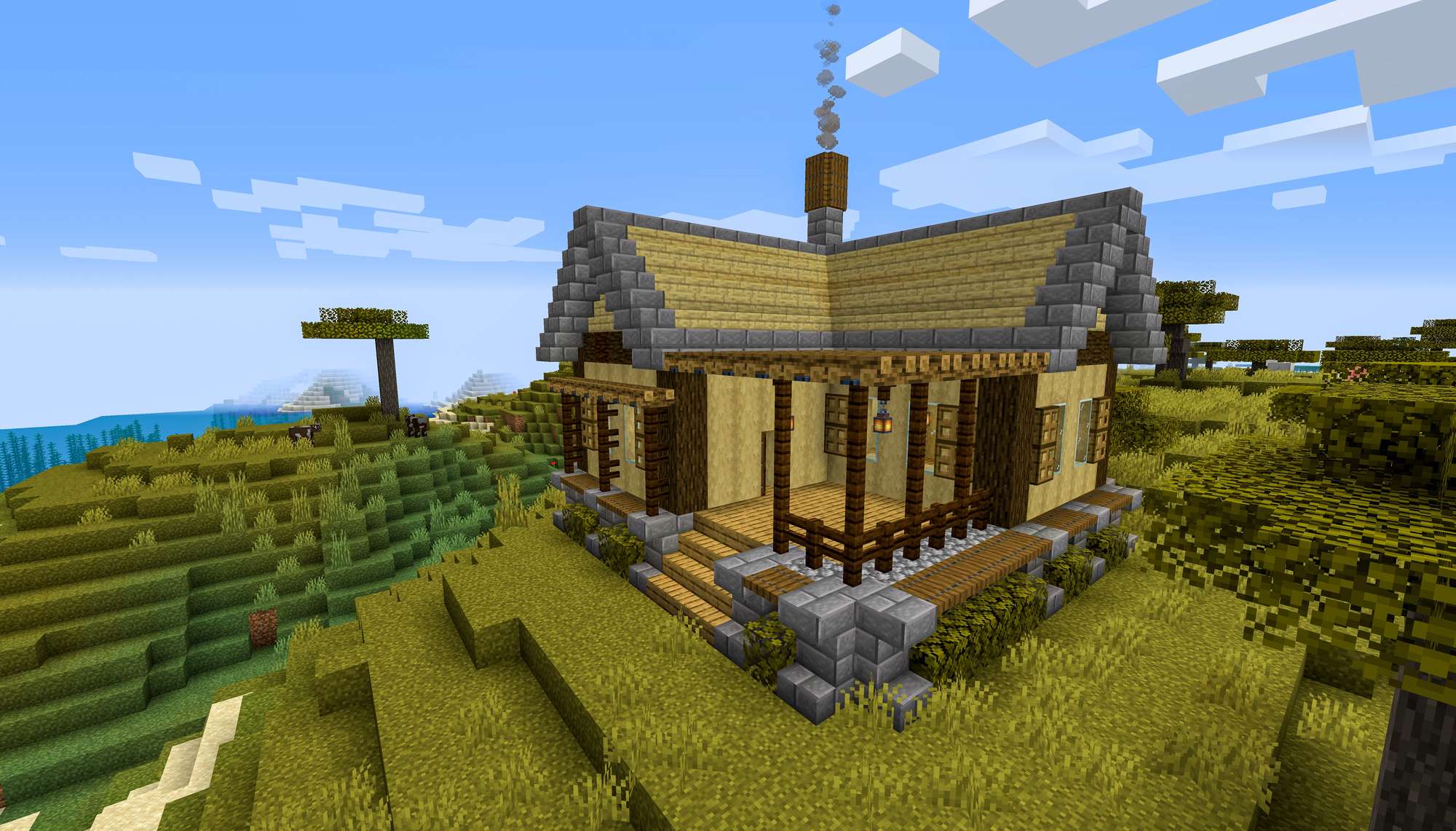
- Build to the numbers. Give your child a set size, like a house that’s 12 blocks long and 8 blocks wide. Have them find the perimeter and area before they build, then check their answer by counting.
- Fill a pool. Have them dig a pool and figure out how many blocks of water it holds using length × width × depth.
- Plan a farm with fractions. Split a field so half is wheat, a quarter is carrots, and a quarter is potatoes.
- Trade and budget. Villager trading uses emeralds, which makes it easy to write simple money and word problems.
Science
The Minecraft world is full of biomes, ores, and materials that connect to real science.
- Keep a biome journal. Have your child visit three biomes, like a desert, a taiga, and a jungle. They can write down the plants, animals, and weather they find, then compare each one to the real biome.
- Study rocks and minerals. Kids can record which ores they find at different depths, then research the real minerals behind iron, copper, gold, and diamond.
- Try simple circuits. Redstone works a lot like wiring. Building a door that opens with a lever is a simple first step into how circuits work.
- Watch crops grow. Have your child plant crops in different spots and note what helps them grow faster, like light and water.
Creativity
Since kids design and build their own 3D worlds, Minecraft gives them room to create almost anything. A few guidelines turn that freedom into real art and design practice.
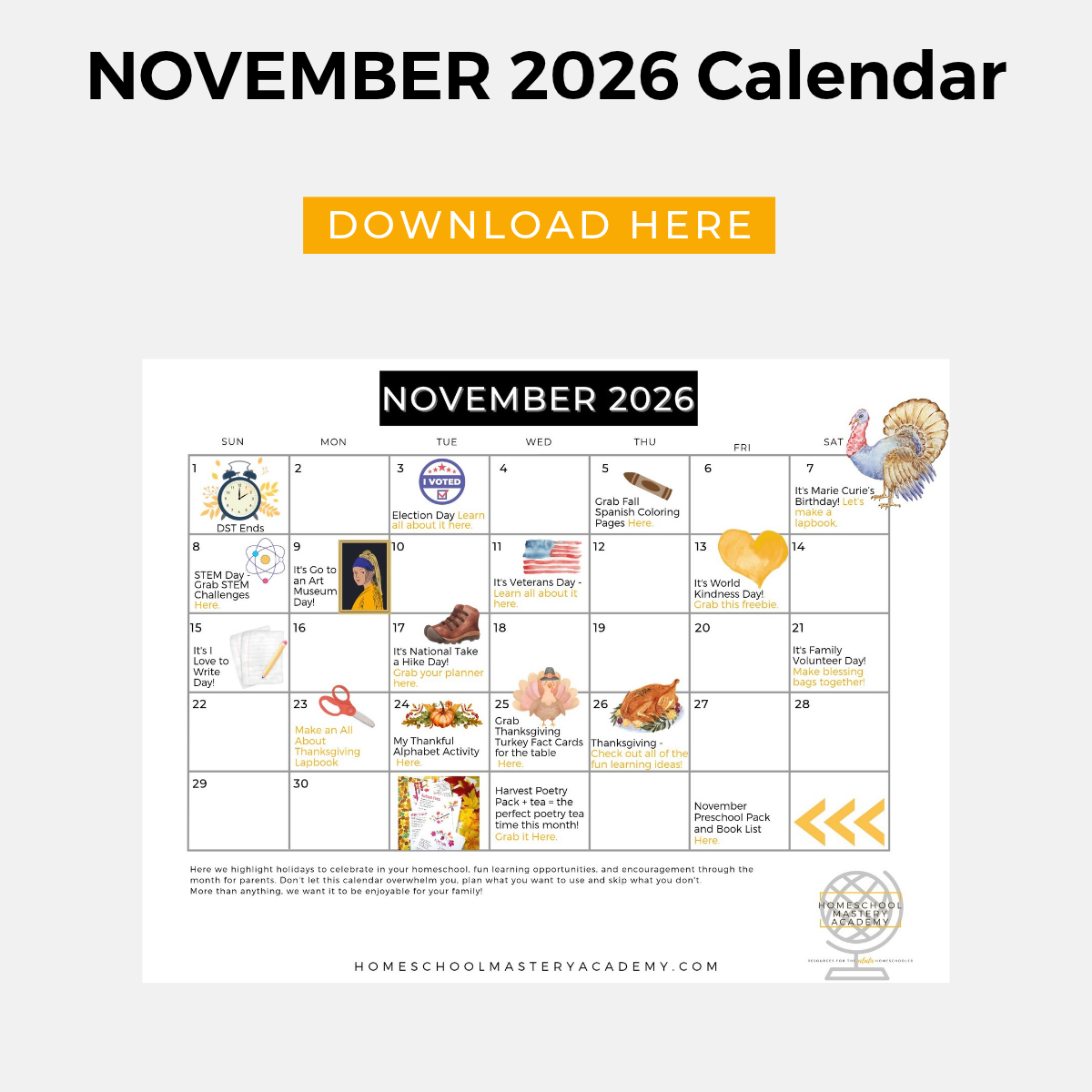
- Add a design challenge. Ask your child to build a home using only three types of blocks, or a bridge that crosses a river without touching the water.
- Make pixel art. Have them sketch a design on graph paper first, then recreate it with colored blocks.
- Explore architecture. Look at photos of a style, like a log cabin or a Japanese pagoda, then try building one.
- Recreate your home. Building your own house or neighborhood is a fun way to practice working with scale.
Character
Big builds take time. That makes Minecraft a good place to practice patience, persistence, and working together.
- Plan a long-term build. Pick a big project, like a castle, and have your child break it into steps they finish over a week or two.
- Build as a team. Siblings can work in the same world with clear jobs. One gathers materials, one builds walls, and one decorates. Talk afterward about what went well and what didn’t.
- Handle the hard moments. When a build gets ruined by a creeper or a mistake, talk through how to start again. It’s a low-stakes way to practice handling frustration.
Language Arts
Minecraft gives kids something they actually want to write about. That alone can make writing time easier.
- Write a tour guide. Have your child write a guide to their world that describes the buildings, landscapes, and characters they created.
- Write how-to instructions. Ask your child to write step-by-step directions for one of their builds, then have a sibling or parent try to follow them. If the directions are unclear, they revise.
- Keep an in-game journal. Kids can use a book and quill inside the game to keep a daily adventure log.
- Turn the world into a story. Kids can write an adventure set in their world, or draw a map of their community to go with it.
For more ideas, take a look at our creative writing activities.
History
Minecraft makes history more interesting by letting kids build the places they’re studying. Getting a replica right takes real research, so kids practice research skills while they build.
- Map a historical event. One of our readers shared that her son was making a Minecraft map to show the progress of a World War One battle. Kids can build the landscape, mark where each side stood, and walk you through what happened.
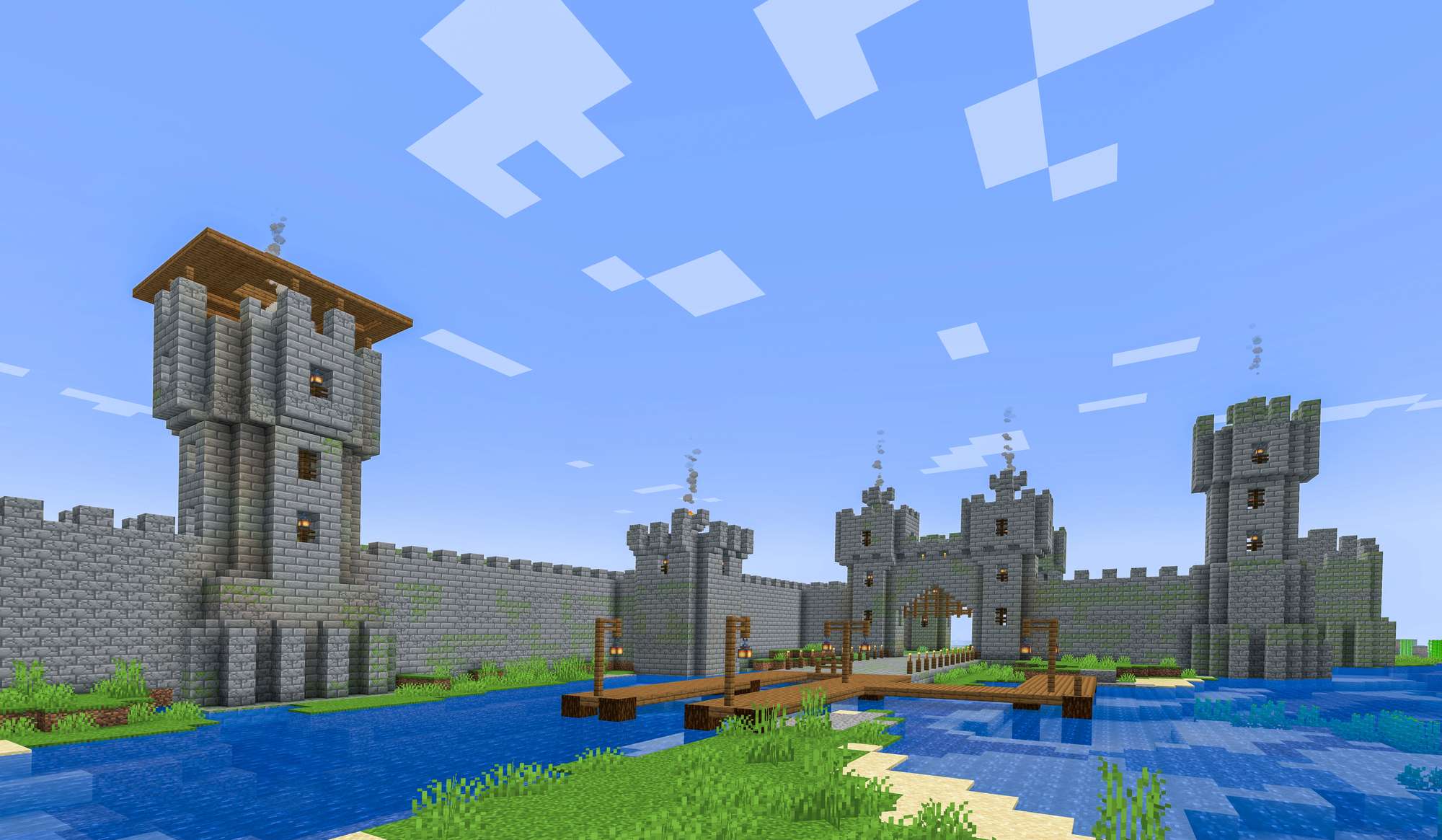
- Build famous landmarks. The pyramids, the Great Wall, a Roman aqueduct, or a medieval castle all make great builds. Have your child research the real dimensions and materials first.
- Build a time period. Build a colonial village, a medieval town, or an ancient city, then write about daily life there.
- Walk a timeline. Lay out a path with a sign or small build for each event in the period you’re studying.
There are many ways to use Minecraft in your homeschool curriculum, which makes this game a popular learning tool. Of course there are times when you need to read books and study word problems, but video games like Minecraft can make learning a lot more fun and interesting for all kids. This is especially true for kids that get bored easily and have trouble learning the traditional way.
How Much Minecraft Is Too Much?
This is the real concern behind the video game debate, and it’s a fair one. Minecraft is easy to get lost in, and “educational” screen time is still screen time. There’s no one right answer for every family, but a few simple boundaries help a lot.
- Keep lesson time and free play separate. A Minecraft lesson has a goal, like building a pyramid to scale or finishing a biome journal. Free play is fun, but it isn’t school time. Kids do better when they know which one they’re doing.
- Use a timer. For most kids, 30 to 45 minutes is plenty for a lesson. Set the time before they start so the end isn’t a surprise.
- Bookend it with offline work. Have kids sketch their plan on paper before they build, then write, draw, or explain what they made afterward. One reader told us her kids were building with Lego and talking about their Minecraft world, which is exactly the kind of carryover you want.
- Watch your child, not the clock. If your child gets irritable, has a hard time stopping, or stops caring about other activities, it’s time to cut back.
- Treat it as one tool. Minecraft works best as part of your homeschool, not the whole thing. A couple of lessons a week is plenty for most families.
Resources to Help You Use Minecraft in Your Homeschool Lessons
Free Minecraft Homeschool Resources
You can try a lot of Minecraft learning before you spend anything. These are good places to start:
- Minecraft Grammar Episode 1: Statements & Questions. One of our readers, Amanda, made this Boom Learning deck to teach her own kids grammar and shared it in our comments. It’s a no-cost digital deck for grades 1 through 3, and it’s the first in a series.
- Minecraft Hour of Code. Code.org offers Minecraft-themed coding tutorials that run right in a web browser. Kids don’t need to own the game to play.
- Minecraft Education demo lessons. Download the Minecraft Education app and choose a demo lesson. No account or license is needed.
Thinking Tree Books has a great selection of resources to help you incorporate Minecraft into your homeschool lessons. If you haven’t heard of these unique resources, you will definitely want to check them out. They have a variety of options to choose from such as:
- Do It Yourself Curriculum – Fun-Schooling with Minecraft: 400 Homeschooling Lessons
- Fun-Schooling Math: For Minecrafters – Math Skills to Master by Age 12 – Addition, Subtraction, Multiplication, Fractions, Story Problems
- Writing Time Workbook – Creative Writing Prompts & Vocabulary Building Exercises – Number Games and Comics: Fun-Schooling with Minecraft
- 7 Subject Science Portfolio – Minecraft & The Real World: Ages 10 to 17 – Biology, Chemistry, Geology, Meteorology, Physics, Technology and Zoology

Recess.gg offers engaging Minecraft courses for homeschoolers in a safe, virtual learning environment. You can read our full review of Recess for homeschoolers here.
Also check out Minecraft Math for Kids by WBuilds, which uses real Minecraft builds to practice math skills like counting, area, and volume. They also have step-by-step build guides, like this Victorian house, with both free and Pro options.
Minecraft is more than a block-based video game. The many different features, options and ways to play make it an excellent learning tool for various subjects. Since most kids love playing it, they look forward to their next lesson.


My lad is hoping to make a Minecraft map that shows the progress of at least one of the battles in World War 1
Oooh that sounds like fun! What a creative idea.
Our kids love Minecraft…in fact they are building with Lego write now and talking about their Minecraft world.
That is awesome! lol
My son is 10 years old and would love to have other kids to play with.
Hi Amy, if you are referring to playing Minecraft with others there is a way to allow others into your world or join other servers in order to play with other kids. You should be able to find some information on Google about how to or where to find other friends/players to join. I hope this helps!
I just finished making a Minecraft Boom Learning deck to teach my kids grammar. It’s free if anyone is interested. Please share if you like it! Thank you!
https://wow.boomlearning.com/deck/minecraft-grammar-episode-1-statements–questions-XnQZSA9NBjnD5i9Bt
Thanks for sharing Amanda!